Free
0 €
- Spectral mixing and recipes
- Values, grids, limited palettes
- Steer to correct the paste
- Works with no account and no card
- Advanced image analyses: a few a day
Mestor works out how your paints actually mix, band by band of light, and tells you how much to add to the paste already on your palette, instead of starting over.
Oil, acrylic and watercolour. It runs on your device: your images stay yours.
At the easel, waste has four faces.
Trial and error on the palette until the colour arrives: half of it ends up on the rag.
Blue and yellow don’t make the green you expect, and a drawing program won’t tell you.
Lighten with white and the colour dies into a dusty pastel.
Correct by eye, add, correct again: you end up with twice the paste, and it still isn’t right.
Three steps, with your own tubes.
Choose the paints you actually own, or a limited palette like the Zorn. If your tube is not like the catalogue, calibrate it with a photo.
From a spot on the reference, a photo of the paste next to the card, or a colour code. You can move its value, chroma and temperature one at a time.
A suggested recipe in parts, and if the paste is already on the palette, how much to add to get there with the least paint.
The Steer Matrix starts from the paste already on the palette and looks for the correction that adds as little paint as possible, with a cautious first step.
Two tubes of the same pigment can differ. With the Pigment Tuner you spread the pure paint, blending toward white, photograph it next to the card, and Mestor works out your tube’s opacity and hue. No weighing: spread it and take a photo.
From then on, recipes use your tube.
Each medium with its own physics. In watercolour, water is part of the recipe and the paper is the light.
The reference in 3, 5 or 9 values on the grey scale, and a grid to transfer the drawing.
Hover over the image: the recipe for that spot. Similar areas share one mix.
Masses, values and mixes in order, for the technique you choose: tonal underpainting, direct flat masses or glazes.
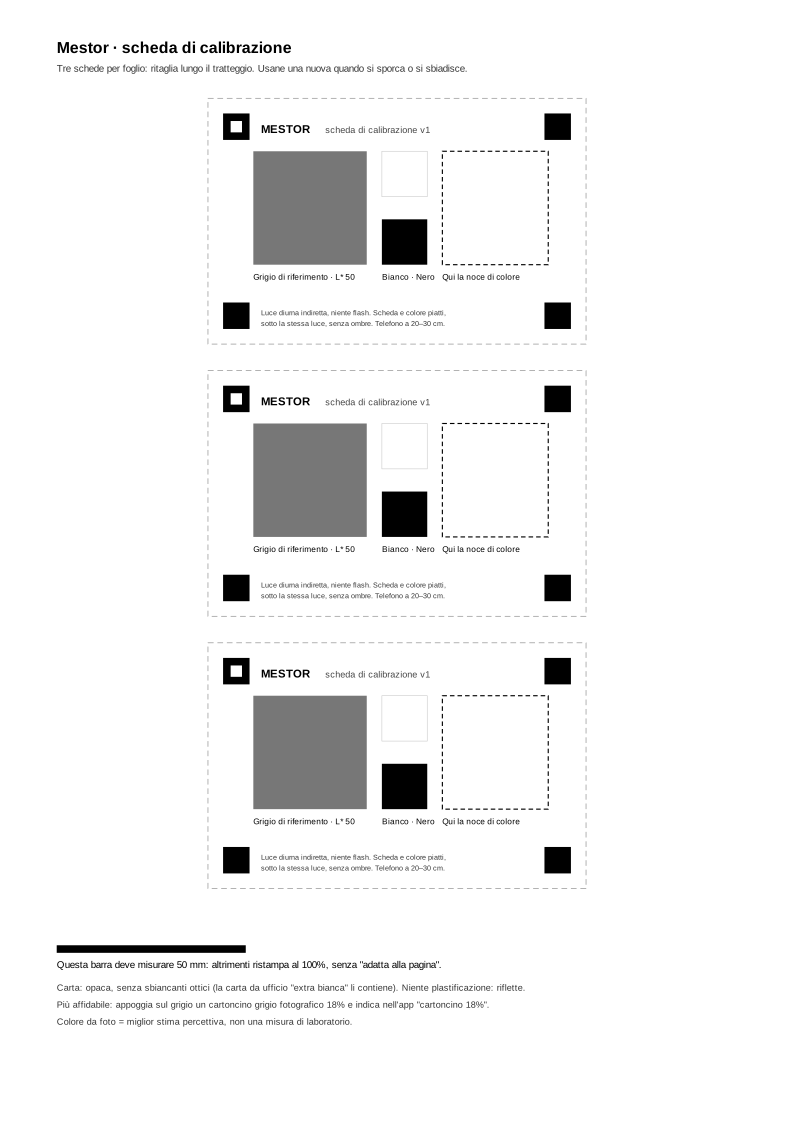
Photograph the paste next to the printed card: the light is neutralised and the colour read.
Big buttons you can press with a knuckle, voice commands, a foot pedal, the screen kept on: at the easel your hands are dirty.
On the left, the mix worked out from the physics of pigments; on the right, the average of the colours on screen.
Mixing stays free. You only pay for what costs computing.
0 €
€4.99 a month, or €39 a year · VAT included
Coming soon. At launch, for the first 500: a one-off €79, for life. Until then, everything that is ready is free.
No, and it is right to say so: it is the best estimate the physics of pigments allows. Tubes vary from brand to brand, and a photo sees only three channels, so two different pastes can look the same in a photo. That is why there is tube calibration and correction in small steps.
No. Mixing, recipes, values and corrections work without signing up.
No. References and photos are processed on your device and are not uploaded anywhere.
No. The calibration card you print at home is enough: its grey removes the colour cast of the light from the photo.
For oil, acrylic and watercolour it starts from catalogues of pigments measured in laboratories and published. Where a pigment is not measured in your medium, it is marked as an estimate and says so.
Because a screen mixes light, while paint absorbs it: blue plus yellow, in RGB, makes a grey. Mestor works out how pigments absorb and scatter light, band by band.
For photos you need the calibration card (A4, printed at 100% on matte paper).